Vegas Moose App & Mobile Casino: iPhone and Android Access
 Available in GB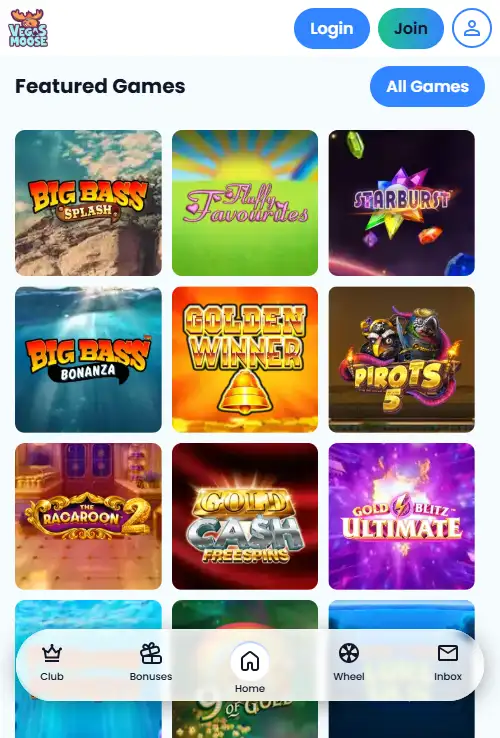
Content
Vegas Moose is designed to be used through a mobile web browser rather than a dedicated native iOS or Android casino app. On a phone or tablet, open the official Vegas Moose website and use the normal account, cashier and game navigation.
Third-party APK download pages are not official Vegas Moose app releases. The casino works in a mobile browser, so Android users do not need to sideload a package to access it.
How Vegas Moose works on phones and tablets
| Use | Availability | How it works |
|---|---|---|
| iPhone and iPad | Mobile-browser play; no dedicated native iOS app | Open Vegas Moose in Safari or another browser |
| Android phones and tablets | Mobile-browser play; no dedicated native Android app | Open Vegas Moose in Chrome or another browser |
| Mobile withdrawal | Available through the account cashier | My Account > Cashier > Make a withdrawal |
| Free-spin troubleshooting | Browser or device troubleshooting is supported | The FAQ suggests trying a different device or browser when free spins cannot be claimed normally |
Mobile browser is the normal access route
Returning players can open the official site, log in and continue through the same account navigation used on desktop. New players can start from the Join area; the Vegas Moose registration guide explains account setup and the checks that can follow.
A browser bookmark or home-screen shortcut can make repeat access quicker, but it still opens the website rather than installing native casino software.
Games available on mobile
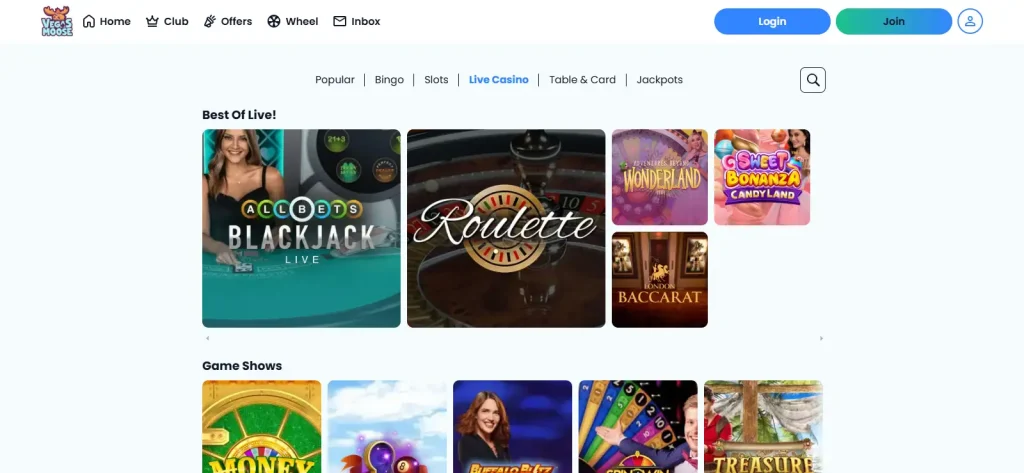
The mobile site gives access to the main Vegas Moose casino products, including slots, live casino and bingo. Vegas Moose advertises more than 600 slot games, and it also has dedicated Live Casino and Bingo areas.
The mobile catalogue includes the main Vegas Moose game categories. The bingo area has named rooms with live next-game, player and prize information.
Account and cashier access on mobile
Vegas Moose’s FAQ gives a mobile withdrawal route through My Account and the Cashier, showing that the mobile website is intended for account tasks as well as games.
Deposit methods, the £10 general minimum and method-specific charges are covered in the Vegas Moose payment methods guide. Withdrawal timing and KYC can follow different stages, so check the cashier and current terms before relying on a payout time.
Vegas Moose APK searches
An APK is an Android application package. Do not install a file simply because a download site attaches the Vegas Moose name to it. Use the official Vegas Moose website in your browser unless the operator itself publishes a native Android app through an official channel.
This avoids giving an unknown app access to device permissions, login details or other sensitive information when browser access already provides the casino service.
iPhone and iPad access
On Apple devices, open Vegas Moose in Safari or another browser. A home-screen shortcut can make the site feel app-like, but it remains a website and does not create an App Store installation.
Android access without an APK
Android users can open the official site in Chrome or another browser. There is no need to enable installation from unknown sources or download a third-party package to play through the mobile website.
If the mobile site is not loading properly
- Confirm that you are using the official Vegas Moose domain.
- Reload the page and check that your connection is stable.
- Try an up-to-date browser or a different device if a game does not load correctly.
- Sign in again if the session has expired.
- Treat payment or identity-check problems as account issues rather than app-installation problems.
For the broader assessment of the site before choosing mobile play, return to Home for the main Vegas Moose review.
What browser-based access changes for the user
Vegas Moose mobile access is based on the website rather than a separate Android APK. That means the same account is reached through a browser, with no need to locate an installation file from an unofficial source. For iPhone, iPad and Android users, the practical starting point is therefore the official site in a current mobile browser.
Browser access also means that account areas, the cashier and game categories are reached through the same web service used on desktop. The exact layout can change with screen size, so a feature that sits in a wide desktop menu may appear behind a compact mobile navigation control. The account itself is not a separate mobile account.
How to assess a game before playing on a smaller screen
A game being available on the mobile site does not mean every phone gives the same experience. Screen size, orientation and browser behaviour can affect how comfortably controls, pay information or live video fit. Before placing a wager, open the game and make sure the important controls and information are visible without awkward zooming or accidental taps.
This is especially relevant for live casino and bingo. Live dealer games combine video with betting controls, while bingo can depend on room and session information. Slots usually use a more compact game interface, but the same principle applies: check the actual title on the device you plan to use rather than assuming desktop and mobile presentation are identical.
Account tasks on mobile
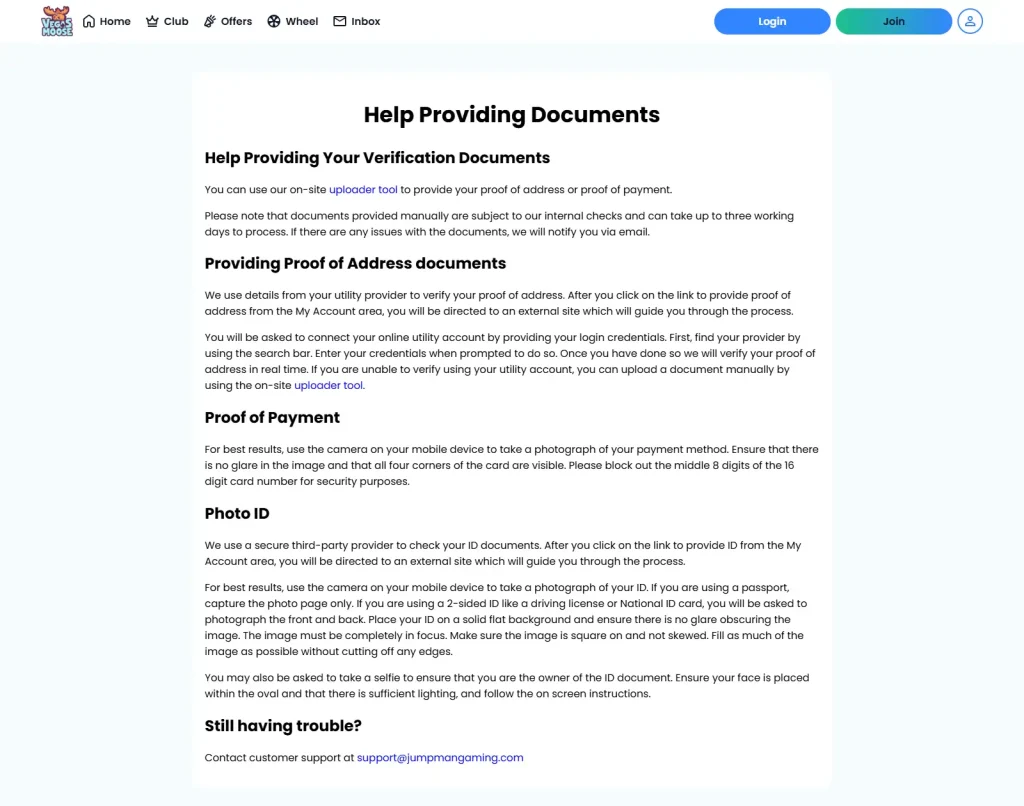
Mobile access is not limited to opening games. Registration, account management and cashier tasks can also be reached through the website. When verification is required, some identity flows may also make use of a phone camera or a QR-code handoff, which can make a mobile device part of the account-check process even if registration began on desktop.
For payment or verification tasks, use the official account area and read the current on-screen instructions. Avoid treating third-party APK pages or copied login forms as substitutes for the Vegas Moose site. If a mobile page fails to load correctly, retry the official site in an up-to-date browser before assuming the account or game itself is unavailable.
Desktop and mobile use the same core account
Moving from a computer to a phone does not require a second Vegas Moose registration. The browser route gives access to the existing account, so balances, account settings and the cashier remain tied to the same customer profile. This is useful if you register on one device and later play or manage the account on another.
The main difference is presentation. A mobile browser has less space for navigation, tables and live video, so controls can be reorganised even though the underlying account feature is the same. When a task involves money or account settings, confirm the page title, amount and selected option before submitting rather than relying on where a button appeared on desktop.
Safer mobile access habits
Because there is no need for an Android APK, searches that lead to downloadable installation files are unnecessary for using Vegas Moose. The direct mobile route is the official website in the browser. This avoids creating a second question about whether a third-party installation package is authentic or current.
On a shared device, sign out after using the account and avoid saving credentials where other people can open them. On your own device, keep the browser updated so current site features and secure account pages have the best chance of working as intended.
When to switch back to desktop
Mobile is convenient for routine use, but some tasks can be easier on a larger display. Long terms, payment information and document instructions are simpler to compare when more text is visible at once. If a verification instruction, promotion condition or cashier option feels cramped on a phone, opening the same official account page on desktop can make the details easier to review before acting.
Before using the cashier on mobile
Check the selected payment method, amount and any stated fee on the final screen before confirming a deposit. The general cashier minimum and a promotion’s qualifying amount are separate conditions, and Pay by Mobile has its own stated deposit cost. A small screen is not a reason to merge those details into one assumption.
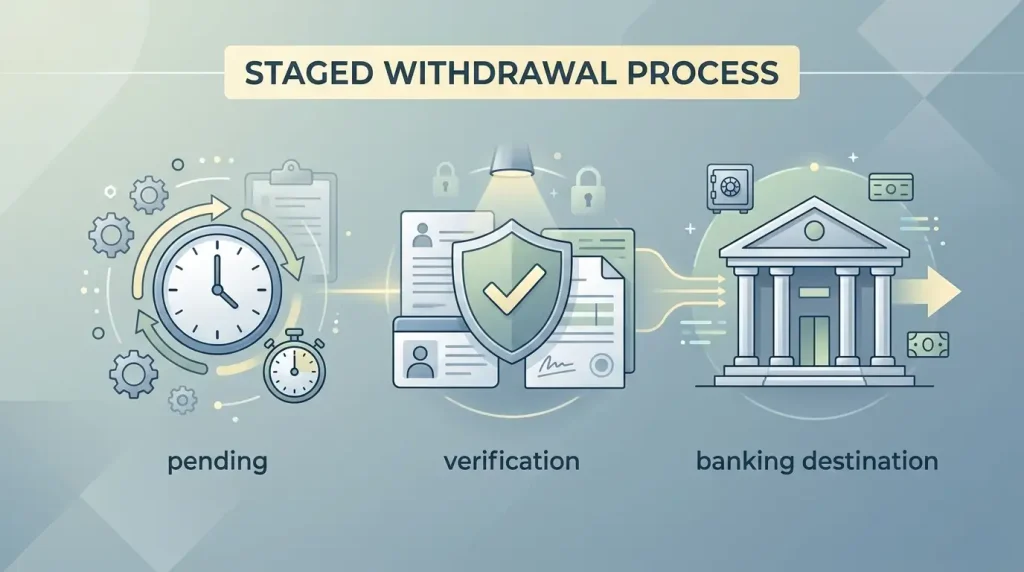
The same applies when a withdrawal option is shown. A method used for depositing is not automatically the method used for cashout. Read the payout choices available to the account and complete any requested verification through the official account area before relying on a particular route.
Mobile access and account continuity
If you change devices, use the same registered account rather than creating another one. Account credentials, verification status and banking history belong to the account, not to a particular phone or browser. This keeps registration, payments and withdrawals connected to one customer profile.
When a page behaves differently after a device change, first check the official site in an updated browser and sign in to the existing account. A different layout does not by itself mean that a separate mobile product or installation is required.
Official Vegas Moose pages
For phone and tablet play, the simplest route is the official Vegas Moose website in a browser. Avoid unsupported download claims and use the casino’s own navigation for games, account settings and cashier access.
This material was created by the Vegas Moose UK Guide team.
Vegas Moose App & Mobile Casino — More on this topic at vegas moose casino.
Related posts
Vegas Moose Verification & KYC: Documents and Review Time
Vegas Moose Withdrawals: Pending Time, KYC & Cashout Process